
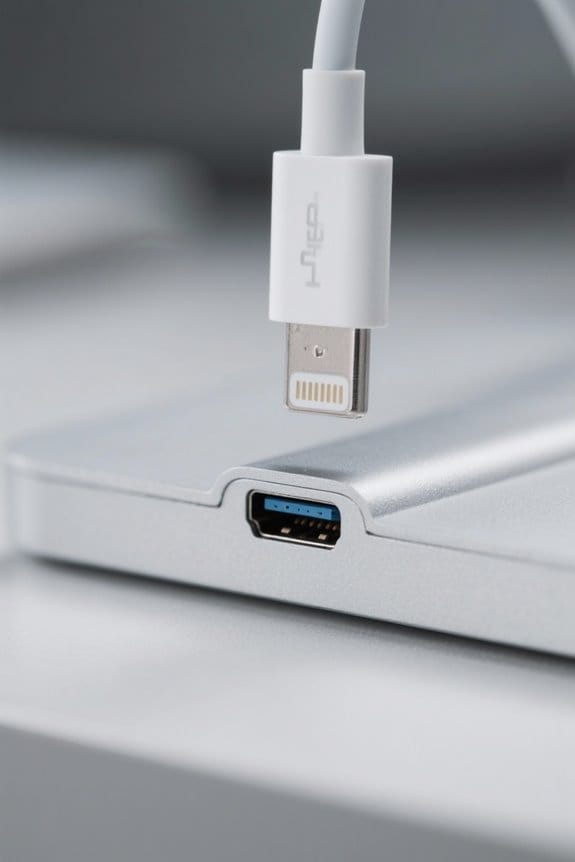

To prevent USB-C port wear and tear, carefully unplug cables by grasping the connector base to avoid internal damage. Store cables loosely to prevent kinks, and use protective cases made from water-repellent fabrics for added durability. Unplug devices during pressure-intensive activities to extend cable lifespan, and keep connections moisture-free by using dry storage solutions. Regular inspections of cables and ports can identify early signs of damage, providing opportunities for timely maintenance and protection against further wear. Explore additional tips for maintaining USB-C connections.
Key Takeaways
- Unplug USB-C cables carefully by grasping the base and pulling straight out to avoid internal damage and port wear.
- Store cables loosely coiled in protective cases to prevent kinks and reduce stress on internal wires.
- Regularly disconnect cables during device use to minimize strain on the USB-C port from pressure on plugged-in cables.
- Keep USB-C cables in dry environments and use moisture-resistant storage to prevent corrosion and ensure functionality.
- Use high-quality cables designed to withstand multiple bends and flex cycles for enhanced durability and longevity.
Unplug Your Cable Carefully
To guarantee the longevity of a USB-C port and its accompanying cable, careful disconnection is essential. Users should firmly grasp the base of the USB-C connector and pull it straight out; this technique minimizes stress on both the port and cable. Yanking or pulling the cable at angles often leads to internal damage, which can create connection issues over time. Additionally, when unplugging multiple times, applying gentle and even pressure is advisable, as forceful removals increase the risk of wear and tear. By establishing a habit of mindful disconnection, users help guarantee that their USB-C ports and cables remain intact, ultimately extending their lifespan considerably. Prioritizing this method can prevent premature failures and maintain ideal performance. Quality USB-C cables like those from Anker are designed to withstand 5,000 cable bends while maintaining optimal charging performance.
Roll Up Your Cable Gently
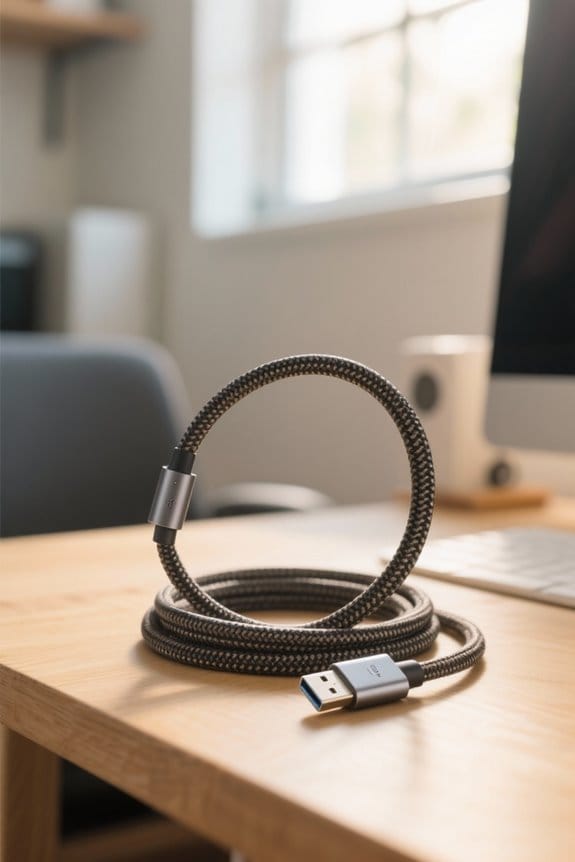
Proper cable management is essential for maintaining the integrity of USB-C connections, and rolling up cables gently can greatly enhance their lifespan. Avoid tightly wrapping USB cables, as this practice can create kinks and place strain on the internal wires, leading to potential damage. Instead, when storing USB cables, use loose circular coils that minimize pressure on both the connectors and the cables’ internal structure. It is important to guarantee minimal strain on the cable ends during storage to prevent damage to the connections. Utilizing a dedicated protective case for USB-C cables can also greatly extend their usability by safeguarding against wear and tear. Implementing these proper storage practices promotes the longevity of USB-C connections and enhances overall performance. High-quality cables featuring military-grade nylon construction can withstand over 40,000 flex cycles when properly maintained.
Unplug Your Cable While Using a Device

Maintaining efficiency while using devices equipped with USB-C ports necessitates careful attention to cable management, particularly the practice of unplugging the cable during operation. Disconnecting the USB-C cable can greatly reduce strain on the port, thereby minimizing wear and tear caused by excessive bending and pulling. Engaging in activities that exert pressure on the plugged-in USB may heighten the risk of port damage, making disconnection a prudent measure. Furthermore, charging devices while not in use, especially when positioning creates leverage on the port, extends both the cable’s and the connection’s lifespan. Regularly evaluating usage scenarios offers opportunities to unplug, reducing daily stress and preventing the mishaps that can lead to intermittent connections over time. Similar to how digital pressure gauges provide precise monitoring to prevent damage in portable tire inflators, maintaining awareness of USB-C port stress helps avoid connection failures.
Store in a Protective Case

Storing USB-C cables in a dedicated protective case greatly enhances their durability and longevity, shielding them from environmental factors that can cause wear and tear. A protective case effectively prevents physical damage, such as kinks and fraying, which often affect both the cables and USB-A ports. By rolling the cables gently and loosely inside the case, users can minimize stress on the internal wires, thereby preserving their integrity. Moreover, organized storage within a protective case prevents tangling and tight wrapping, reducing the risk of bending and excess strain on connectors. This practice not only encourages responsible management but also reduces the likelihood of accidental yanking or pulling during transport, ensuring reliable performance over time. Water-repellent Jacquard fabric provides superior protection against moisture and scratches while maintaining a lightweight, travel-friendly design.
Avoid Exposure to Moisture

A significant factor in prolonging the life of USB-C ports and cables involves preventing exposure to moisture, which can severely compromise functionality. Any presence of water or humidity creates potential for corrosion of USB-C connectors, resulting in connectivity issues that can disrupt device charge. To minimize risk, cables should be stored in dry environments, and moisture-resistant storage solutions can be implemented for added protection. Additionally, if any cable becomes wet, it is essential to dry it thoroughly before use, as lingering moisture exacerbates wear and may lead to frequent disconnections. Regular inspections of USB-C ports and connections are vital; detecting moisture damage early can prevent further deterioration and help maintain ideal performance throughout the device’s lifespan. For optimal protection against moisture-related damage, consider using a line-interactive UPS system which can help regulate power and protect connected devices from voltage fluctuations that may occur in humid conditions.
Frequently Asked Questions
How Long Should a USB-C Port Last?
A USB-C port, like a road well-traveled, can withstand countless journeys. Typically, its lifespan ranges from several months to a few years, influenced heavily by charging frequency and the quality of connections made along the way.
How to Protect USB-C Ports?
To protect USB-C ports, one should prioritize port maintenance by using high-quality cables, secure cables to minimize stress, and regularly clean ports to prevent debris buildup, ensuring longevity and ideal functionality of the connectors.
How Fragile Are USB-C Ports?
USB-C ports, like delicate flowers, suffer from fragility due to their design durability. Constant cable compatibility challenges lead to wear and tear, diminishing functionality, and ultimately frustrating users reliant on these modern connections for their devices.
How to Not Damage Your Charging Port?
To avoid damaging the charging port, one must practice proper usage by disconnecting cables straight out, utilize cable management techniques, and adopt charging etiquette such as minimalist plugging and unplugging through dedicated USB hubs or magnetic solutions.


