
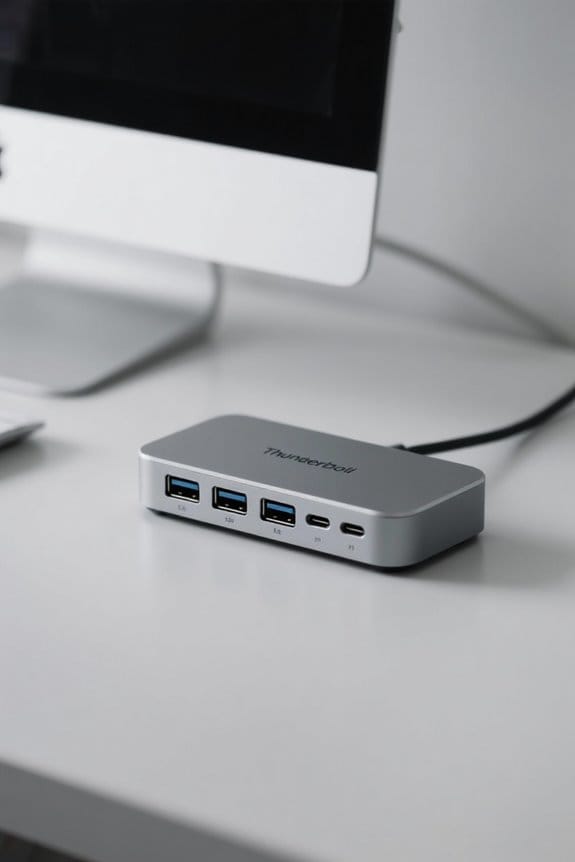

Thunderbolt docks are critical for optimizing professional workflows by providing connectivity with data transfer speeds reaching up to 40 Gbps and facilitating multiple peripheral connections. They not only support dual 4K or single 8K displays, boosting multitasking capabilities, but also feature power delivery for simultaneous device charging. These docks are compatible with both Windows and Mac systems, making them versatile for various setups. Exploring their extensive specifications and benefits further reveals how they can enhance productivity in demanding work environments.
Key Takeaways
- Thunderbolt docks offer data transfer speeds up to 40 Gbps, crucial for efficient large file management in professional settings.
- They serve as central hubs, reducing cable clutter by enabling multiple device connections through a single port.
- Docks often support dual monitor setups, enhancing multitasking capabilities for creative professionals who require extensive screen real estate.
- Many Thunderbolt docks feature power delivery, allowing for simultaneous device charging and uninterrupted workflows during intensive tasks.
- Compatibility with both Windows and Mac systems ensures versatile use across various professional environments, enhancing overall productivity.
Why You Need a Thunderbolt Dock
A Thunderbolt dock is an essential tool for professionals seeking to enhance their workflow efficiency through advanced technology. With data transfer speeds of up to 40 Gbps, this device markedly reduces the time required to transfer large files, promoting efficient file handling. It supports multiple displays, allowing for dual monitor setups that improve multitasking capabilities and provide a more expansive workspace. Furthermore, the dock minimizes cable clutter by consolidating connections into a single hub, which streamlines the workspace. Featuring robust power delivery, the dock enables charging of external devices without interrupting productivity. Its compatibility with both Windows and Mac systems ensures that it meets a wide array of professional needs, ultimately driving enhanced productivity for users across various platforms. Modern Thunderbolt 4 docks like the Lenovo ThinkPad Universal can support up to four 4K displays simultaneously, maximizing screen real estate for complex professional tasks.
Understanding Thunderbolt Docks
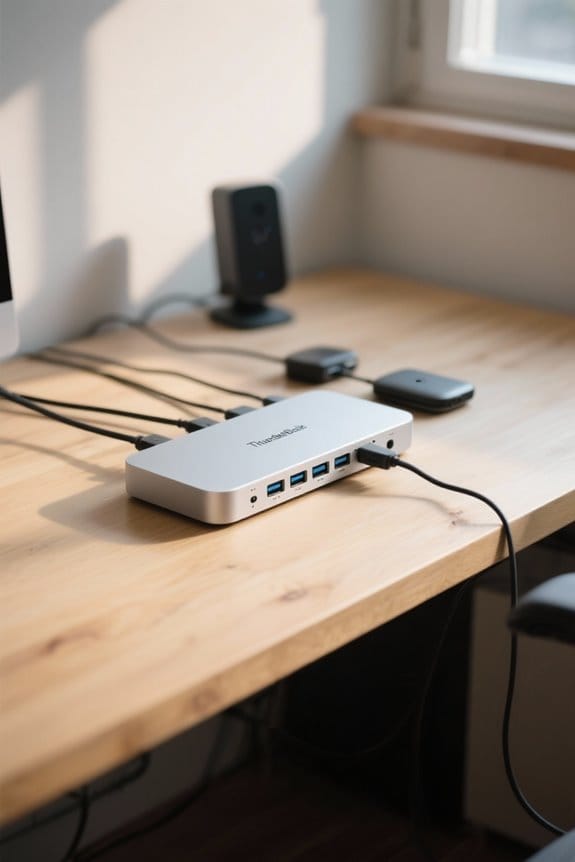
While maneuvering today’s demanding professional environments, understanding the functionality and features of Thunderbolt docks becomes essential for optimizing productivity. Thunderbolt docks serve as central hubs that facilitate the connection of multiple peripherals, including external monitors, storage devices, and various accessories, all through a single port. With capabilities for high-speed data transfer reaching up to 40 Gbps, they are particularly useful for creative professionals engaged in video editing or data-intensive tasks. Many Thunderbolt docks, particularly those utilizing Thunderbolt 4 technology, support dual monitor setups, enhancing workflow efficiency. They also guarantee device compatibility across both Windows and Mac systems, providing seamless connectivity and power delivery, allowing professionals to streamline their workspace effectively. Similar to StarTech’s DKT31CMDPHPD model, modern docking solutions offer dual 4K support at 60Hz refresh rates for optimal multitasking capabilities.
Differences Between Docks and Hubs
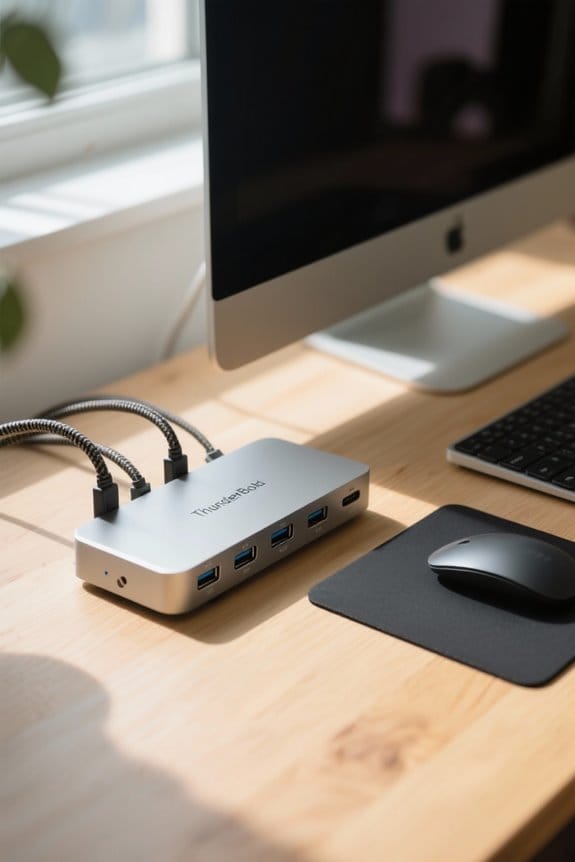
Understanding the distinctions between Thunderbolt docks and USB hubs is essential for professionals seeking to enhance their workflow within increasingly complex technological environments. Thunderbolt docks are engineered to replace missing ports, providing versatile connectivity solutions, including HDMI ports and multiple peripherals, while hubs primarily expand existing USB connections without adding new functionality. Remarkably, Thunderbolt docks support high data transfer speeds of up to 40 Gbps for Thunderbolt 3 and 4, outpacing typical hub speeds. In addition, many docks incorporate power delivery features, allowing the charging of external devices and ensuring continuous operation. In contrast, hubs are often simpler and utilitarian, lacking the robust design and organizational aesthetics that characterize many Thunderbolt docks, which enhance professional workflows considerably. Modern docking stations with dual 4K displays support offer enhanced visual productivity for professionals who require multiple high-resolution screens.
Types of Thunderbolt Docks
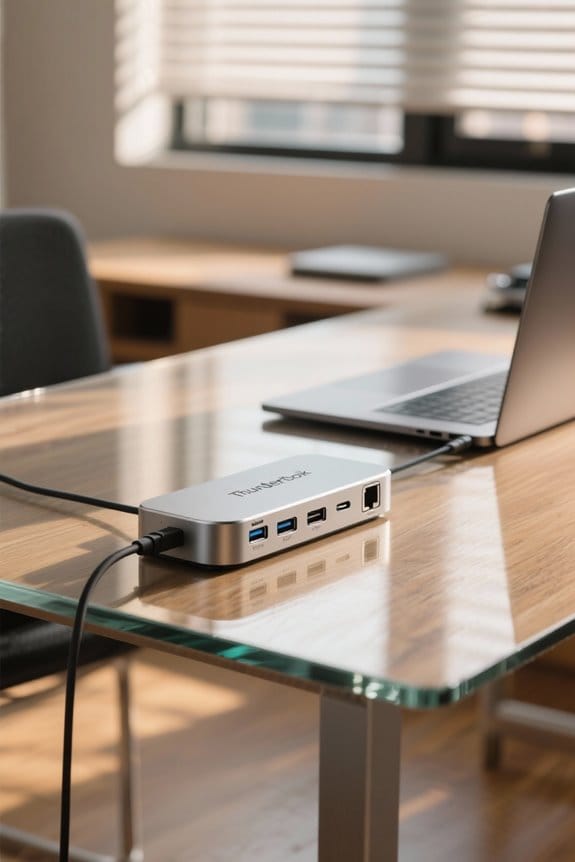
Thunderbolt docks are categorized into several types, each designed to meet diverse user requirements and enhance professional productivity. Thunderbolt 3 docks support exceptional data transfer speeds of up to 40 Gbps while enabling connectivity for multiple 4K displays, which can greatly elevate multitasking capabilities. In contrast, Thunderbolt 4 docks offer enhanced functionality, incorporating improved security features and supporting dual 4K displays or a single 8K display, while ensuring compatibility with Thunderbolt 3 devices. For those on the go, portable options provide essential connectivity in a lightweight design, ideal for frequent travelers. Additionally, specialized adapters cater to unique needs, such as connecting external GPUs, thereby expanding options for graphics-intensive tasks, while generally maintaining compatibility with USB-C. Modern Thunderbolt 4 hubs like the UGREEN Revodok Max deliver versatile connections with robust 85W charging capabilities through their integrated GaN technology.
Key Features to Look For
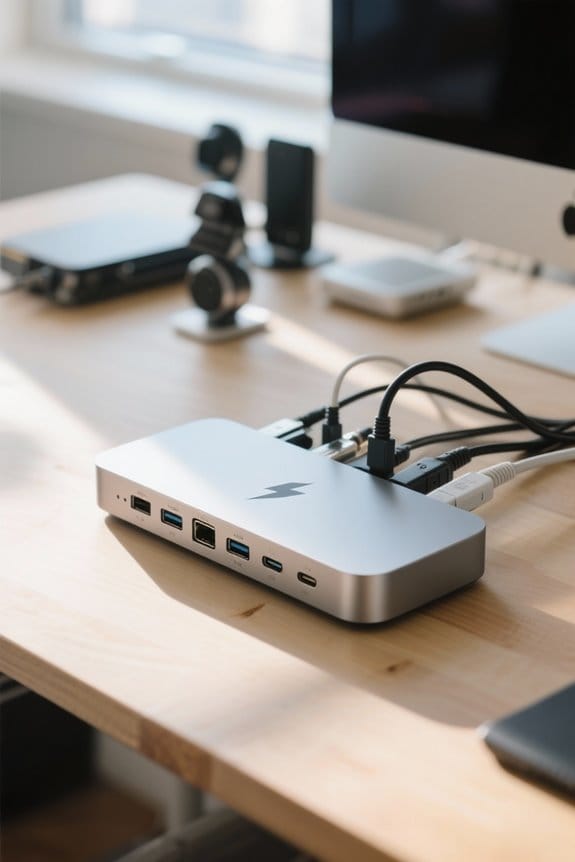
When evaluating a Thunderbolt dock, it is vital to prioritize several key features that directly impact performance and usability. Ideal selections support Thunderbolt 3 or 4, allowing maximum data transfer speeds of up to 40 Gbps, essential for efficient access to large files. Port variety is important; look for docks featuring USB-A, USB-C, HDMI, and Ethernet to guarantee extensive connectivity for various peripherals. Additionally, consider docks with power delivery capabilities, which charge devices while connected, thereby minimizing cable clutter. Multi-monitor support, particularly for dual 4K or single 8K displays, considerably enhances workflow efficiency. Finally, a sleek, organized design not only improves workspace aesthetics but also helps maintain a tidy, professional environment crucial for productive workflows. Modern solutions like the UGREEN Revodok Max offer up to 140W DC power delivery, making it suitable for even the most power-hungry professional devices.
Compatibility Considerations
Ensuring device compatibility is crucial for peak functionality when selecting a Thunderbolt dock, as different standards possess distinct capabilities. Thunderbolt 3 and 4, while similar, have varying connection requirements and power delivery specifications. While many Thunderbolt docks exhibit backward compatibility with USB-C devices, these non-Thunderbolt options often lack access to advanced functions or high transfer speeds. It is imperative to check the port types on devices; a Thunderbolt symbol denotes compatibility with Thunderbolt-enabled devices, while other USB-C ports may not support these technologies. Additionally, docks typically offer diverse ports like USB-A, HDMI, and Ethernet, catering to various peripheral needs. Users must also consider a dock’s maximum output power, as limitations may hinder charging capacity for connected devices. Understanding the distinction between USB-C and Thunderbolt 3 is essential, as Thunderbolt 3 technology supports significantly faster data transfer rates while maintaining charging capabilities.
Boosting Productivity With Thunderbolt Docks
Maximizing workspace efficiency becomes achievable with the integration of Thunderbolt docks, which consolidate multiple connections into a single hub, thereby simplifying user experience and reducing cable clutter. These docks enable users to connect multiple monitors, enhancing productivity through support for dual 4K or even 8K displays, which notably improve multitasking capabilities within professional workflows. With data transfer speeds reaching 40 Gbps, they facilitate rapid file transfers, essential for tasks like video editing and data analysis. In addition, the power delivery feature guarantees that laptops remain charged during intensive projects, minimizing interruptions. With versatile connectivity options compatible with both Mac and Windows systems, Thunderbolt docks represent an effective solution for professionals seeking to optimize their work environments and enhance overall efficiency. Modern docking solutions support 4K at 144Hz output capabilities, providing exceptional visual quality for professionals working with high-resolution content.
Top-Rated Thunderbolt Docks in Australia
A selection of top-rated Thunderbolt docks in Australia exemplifies the practical approach to enhancing professional workflows through versatile connectivity and high performance. The OWC 11-Port Thunderbolt 4 Dock features diverse ports, including HDMI and USB-A, facilitating dual display support and various connectivity options. For professionals on-the-go, the OWC Thunderbolt Go Dock offers portability combined with high-speed data transfer, ensuring essential connectivity is maintained. Catering specifically to media professionals, the OWC Mercury Elite Pro Dock incorporates built-in RAID for heavy-duty data storage and playback capabilities. Meanwhile, the OWC Thunderbolt 3 Pro Dock is favored by creative professionals for its dual 4K monitor support, markedly boosting productivity in graphic design and video editing tasks with seamless connection to external monitors. Advanced cooling solutions featuring built-in air vents help maintain optimal performance during intensive professional tasks.
Use Cases for Thunderbolt Docks in Professional Workflows
Thunderbolt docks serve a multitude of use cases within professional workflows, offering significant advantages for various industries. These devices enable high-speed data transfer rates of up to 40 Gbps, which is essential for professionals working with large video files or high-resolution graphics. Supporting multiple monitors, Thunderbolt docks enhance productivity by creating expansive workspaces, critical for tasks like video editing and software development. They feature power delivery capabilities, allowing simultaneous laptop charging during intensive work sessions, which is especially beneficial for remote workers. In addition, Thunderbolt docks streamline connectivity, functioning as a central hub for external peripherals, such as drives and webcams. Their compatibility with USB-C makes them versatile for use across both Windows and Mac systems, accommodating diverse professional environments. Modern Thunderbolt docks like the Belkin Connect Thunderbolt 4 offer comprehensive 5-in-1 solutions with three Thunderbolt 4 ports and support for dual 4K displays, making them ideal for professional setups.
Frequently Asked Questions
Can I Use a Thunderbolt Dock With Non-Thunderbolt Devices?
While a Thunderbolt dock often welcomes USB devices, compatibility issues abound. Performance limitations, daisy chaining nuances, and cable quality can hinder a mixed setup, challenging user experience and device management amid adapter use and port configuration chaos.
How Many Devices Can I Connect Through a Thunderbolt Dock?
A Thunderbolt dock typically allows multiple device connections, often up to 12, depending on port functions and brand comparisons. However, cable lengths and compatibility issues can impact performance, device limits, and setup configurations, influencing overall productivity boosts.
Do Thunderbolt Docks Require Additional Power Supplies?
Thunderbolt docks often require additional power supplies, influenced by power delivery capabilities and power adapter types. Device compatibility issues and voltage requirements can affect docking station efficiency, impacting performance, heat generation concerns, and cost implications.
Are Thunderbolt Docks Hot-Swappable?
Are Thunderbolt docks hot-swappable? Yes, they often feature hot-swappable capabilities, promoting efficient port usage; however, users must consider cable length, device compatibility issues, and performance benchmarks comparison to guarantee connection stability and ideal power delivery options.
What’s the Difference Between Thunderbolt 3 and Thunderbolt 4 Docks?
Thunderbolt 3 and Thunderbolt 4 docks differ in compatibility and performance. Thunderbolt 4 guarantees greater device connections and cable requirements, enhancing power delivery, video output, port availability, and future upgrades, while Thunderbolt speed remains consistent.


