
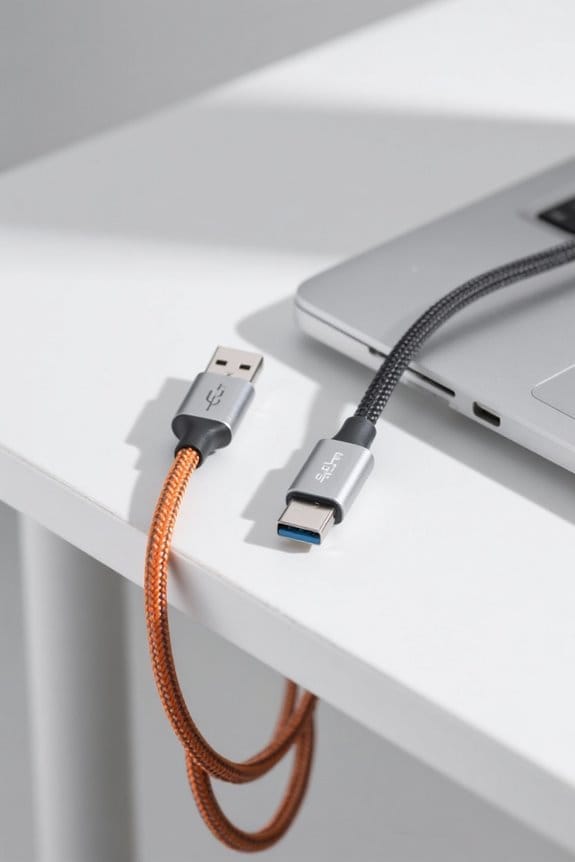

To check a USB-C cable’s power rating without a tester, first examine the cable specifications for volt and amp ratings. Look for certification logos that indicate compliance with USB standards. Investigate the connector construction, where thicker cables typically support higher power levels due to a more robust design. Review manufacturer information for precise wattage details and consult user reviews for real-world performance insights. Additionally, assess the cable’s thickness; a 24 AWG gauge for power lines is preferred. Further details can enhance understanding and application.
Key Takeaways
- Inspect the cable jacket for manufacturer specifications, including maximum wattage and voltage ratings, which indicate power delivery capabilities.
- Look for certification logos on the cable, as these signify compliance with USB power delivery standards.
- Check the thickness of the cable; thicker cables generally support higher power ratings and enhance durability.
- Research user reviews online to gain insights into real-world performance and potential issues with specific USB-C cables.
- Visit the manufacturer’s website for detailed product information that confirms power ratings and construction quality.
Examine Cable Specifications
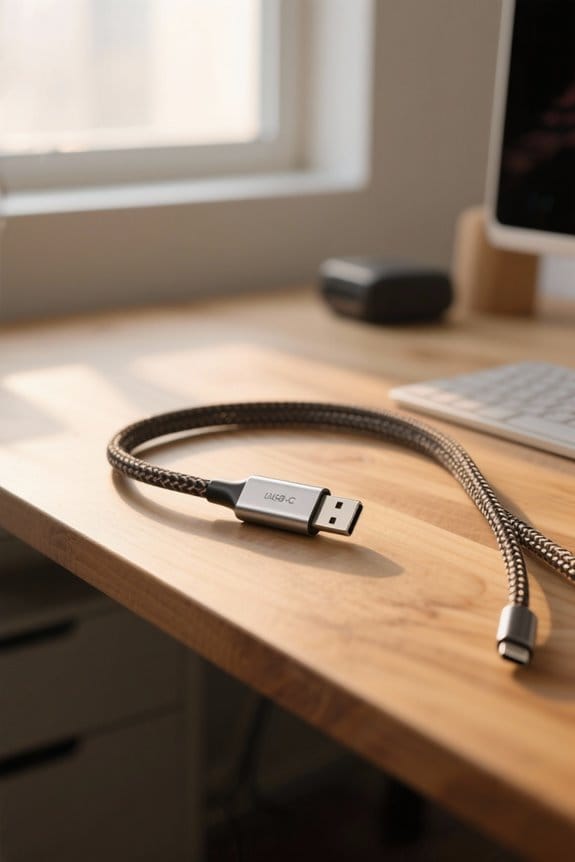
When examining USB-C cable specifications, it is important to understand that the power delivery capabilities can vary greatly among different cables. Some cables support up to 240W charging, which typically features a thicker gauge and more robust construction. Certification logos on USB-C cables serve as indicators of compliance with specific USB specifications and power ratings, allowing consumers to make informed choices. Cables designated as USB 3.1 SuperSpeed Plus often achieve data transfer rates of 10 Gbps, potentially correlating with higher power support. However, Apple’s Thunderbolt 3 cables may exhibit distinct power delivery capabilities, underscoring the significance of examining detailed specifications. Therefore, reviewing the physical labeling and accompanying documentation is vital when selecting cables for device compatibility and ideal performance. Many modern chargers feature ActiveShield technology for enhanced safety during high-power charging sessions.
Investigate the Connector Construction
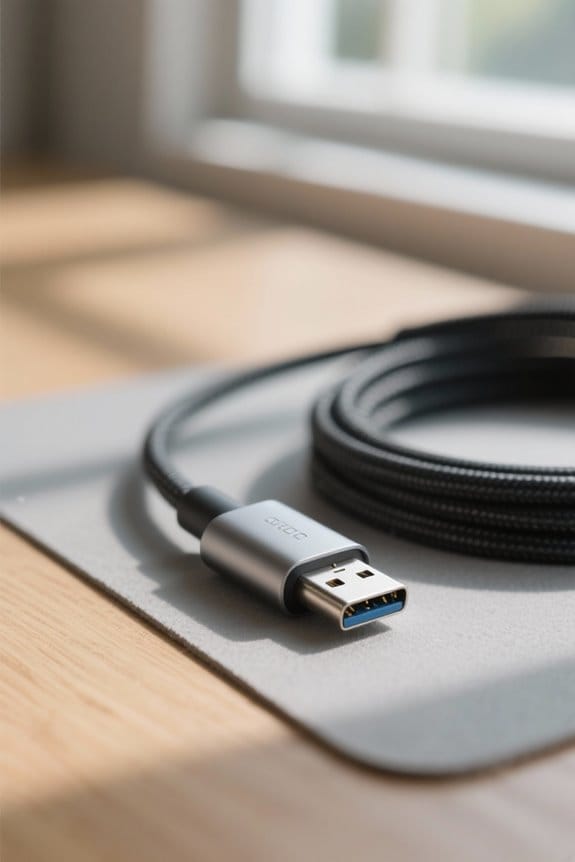
Investigating the connector construction of USB-C cables provides insight into their performance and compatibility characteristics. A typical USB-C connector features thirteen pins, each designated for functions such as power delivery, data transmission, and grounding. The use of Configuration Channel (CC) pins is vital, as they facilitate communication between devices, ensuring ideal power delivery negotiation. Thicker cables usually indicate more robust jackets that support higher power ratings, decreasing resistance during use. Additionally, certification logos on the cable jacket signal compliance with USB specifications, providing further assurance of its power handling capabilities. It is essential to note that proprietary USB-C cables may have distinct wiring and pin configurations, thereby potentially impacting their compatibility and overall power delivery efficiency compared to standard-compliant options. Modern braided cables with E-Marker technology ensure intelligent current regulation for safe power delivery up to 240W.
Review Manufacturer Information
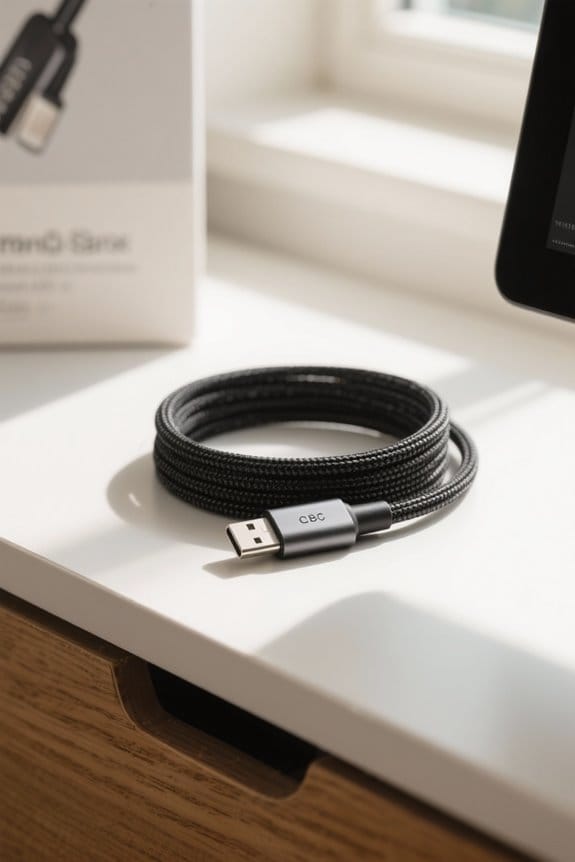
Evaluating manufacturer information is crucial for confirming the power rating of USB-C cables, as this data typically highlights essential specifications that impact both charging and data transfer capabilities. When reviewing packaging or official documentation, one should look for detailed power ratings, including supported voltage levels, often indicated in volts (V) and amperage (A). Additionally, certification logos, displayed on the cable or its packaging, signify compliance with USB specifications, which can provide insights into power delivery capabilities. Manufacturers’ websites often showcase precise product specifications, including maximum wattage, to guarantee compatibility with devices. Moreover, looking for indications on the cable itself, such as markings for current ratings and maximum wattage, can help gauge its performance in real-world applications. Quality cables should include over-temperature protection features similar to those found in modern wireless chargers to prevent damage during high-power charging sessions.
Consult User Reviews and Forums
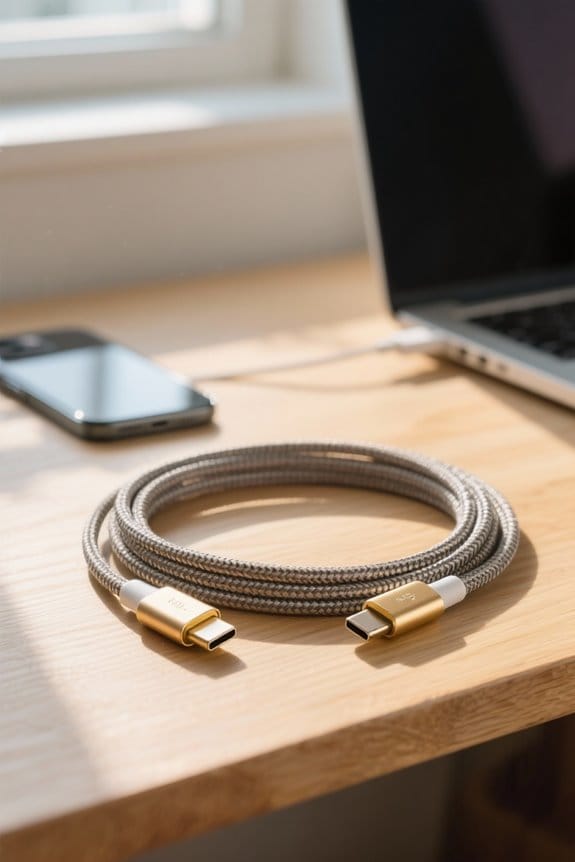
How effectively can user reviews and forums inform purchasing decisions about USB-C cables? User reviews on platforms such as Amazon provide invaluable insights into the real-world performance of USB-C cables, particularly regarding their power delivery capabilities. Community discussions often reveal issues associated with particular cables, elucidating potential pitfalls like overheating or inadequate power rating. Users frequently share experiences related to cable performance under load, which is critical for consumers needing reliable connections for high-power devices. Additionally, online forums facilitate comparisons between various brands and models, enabling prospective buyers to discern which cables reliably meet specified power ratings. Aggregated feedback from multiple users collectively offers a clearer understanding of a cable’s overall quality, reliability, and compatibility across different devices. For optimal data transfer performance, look for cables that support USB 3.2 Gen 2 connectivity, which enables speeds up to nine times faster than traditional drives.
Assess Thickness and Build Quality
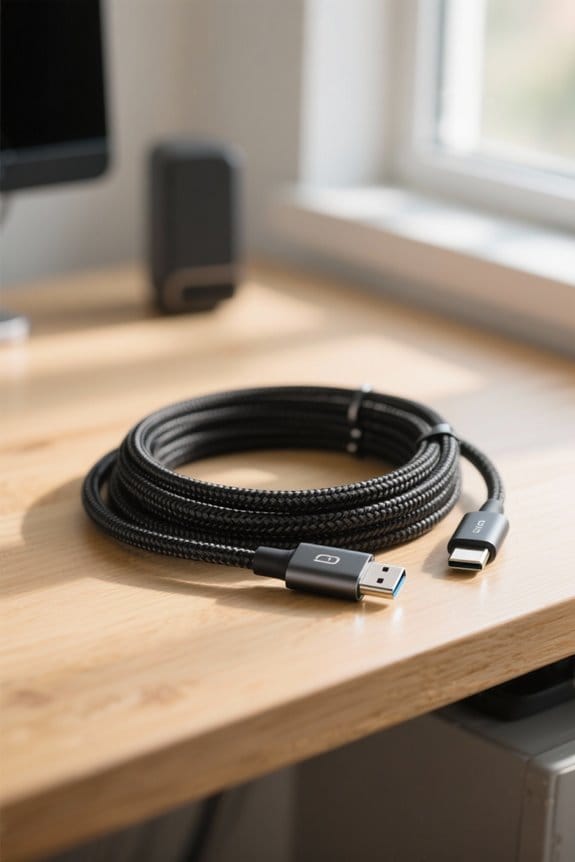
User reviews and community forums play a significant role in guiding consumers toward effective purchasing decisions for USB-C cables. To assess thickness and build quality, thicker cables often indicate superior durability and capacity for higher power delivery, as they can accommodate more copper strands, reducing heat resistance and energy loss. Ideal specifications include a 24 AWG gauge for power and 28 AWG for data lines, ensuring ideal performance. Moreover, robust jackets made from materials like TPE or braided nylon enhance longevity against wear and tear. High-quality cables commonly showcase USB-IF compliance, demonstrating adherence to industry standards. Additionally, reinforced strain relief at the connectors is vital, as it not only enhances durability but also supports consistent power delivery over time. Similar to ergonomic split keyboards, these cables require routine maintenance to extend their service life and maintain optimal performance.
Frequently Asked Questions
How to Check if a USB-C Cable Is Power Only?
To check if a USB-C cable is power only, verify cable compatibility by inspecting pin count. A lower pin count suggests limited data transfer, indicating likely charging speed limitations typical of power-only designs.
How Do I Test My USB-C Cable?
To test a USB-C cable, assess its durability, examine connector types, and monitor charging speed. Check for manufacturer specifications, inspect for physical wear, and compare performance with a known-good cable to guarantee reliable functionality.
Do USB-C Cables Have Power Ratings?
“Don’t judge a book by its cover.” USB-C cables indeed possess power ratings, dictated by USB C specifications. Their compatibility factors and charging speed variations highlight the importance of understanding each cable’s specific capabilities for maximal device performance.
How to Check USB Cable Wattage?
To check USB cable wattage, examine specification markings on the cable. Higher wattage often correlates with faster charging speed, improved data transfer, and enhanced cable durability, ensuring reliable performance for connected devices.


