
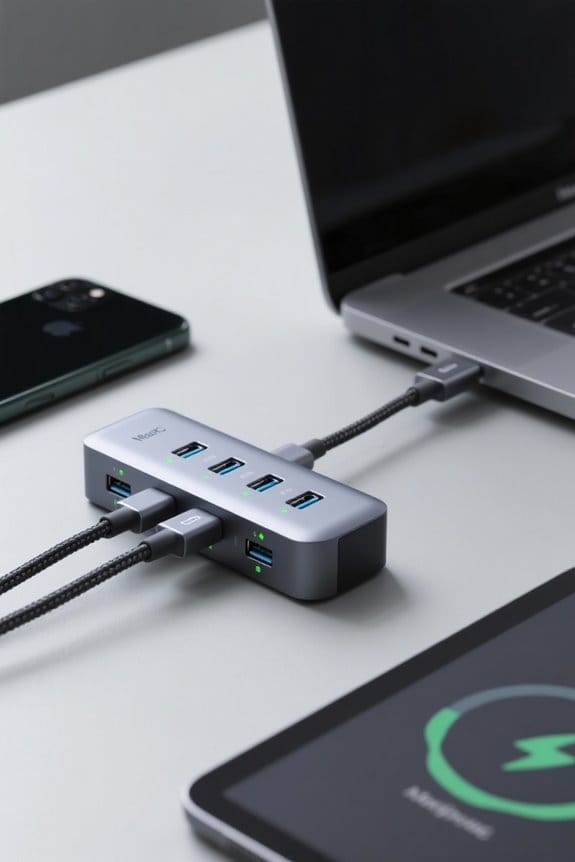

Configuring power delivery priority on multi-port chargers involves connecting high-demand devices, such as laptops or tablets, to faster charging ports, which typically support 30 to 100 watts. Utilizing chargers with USB Power Delivery (USB-PD) guarantees efficient power distribution through dynamic negotiation. Users should review total output specifications to maintain compatibility, while individual port switching can enhance control over power allocation. Safety features, including over-current protection, are crucial for device longevity, offering peace of mind as one optimizes their setup. Further insights can enhance your experience.
Key Takeaways
- Connect high-demand devices to dedicated USB-PD ports to maximize charging efficiency and speed.
- Review the total wattage output of the charger to ensure it meets connected devices’ needs.
- Utilize chargers with individual port switches for enhanced control over power distribution preferences.
- Adjust Power Delivery (PD) settings using software tools to optimize energy allocation for different devices.
- Regularly verify compatibility of devices with PD standards to ensure effective power management and safety.
Understanding Power Delivery and Its Importance
Power Delivery (PD) emerges as a critical advancement in charging technology, especially as devices continue to evolve and demand higher power levels. Originating with the USB-C connector in 2012, PD allows the transmission of up to 100 watts of power, greatly reducing charging times for multiple devices, from smartphones to laptops. The latest USB PD 3.1 version further increases this capability, offering up to 240 watts. This standard enables devices to negotiate their power needs dynamically, ensuring efficient energy transfer during charging. Additionally, PD supports bi-directional charging, enhancing utility by allowing devices to share power. Effective power management through PD minimizes energy waste and heat generation, ultimately prolonging battery life while optimizing charging performance across various applications. Modern 25W USB-C chargers can achieve charging speeds up to five times faster than standard chargers while maintaining crucial safety features like temperature control and over-voltage protection.
The Basics of Multi-Port Chargers
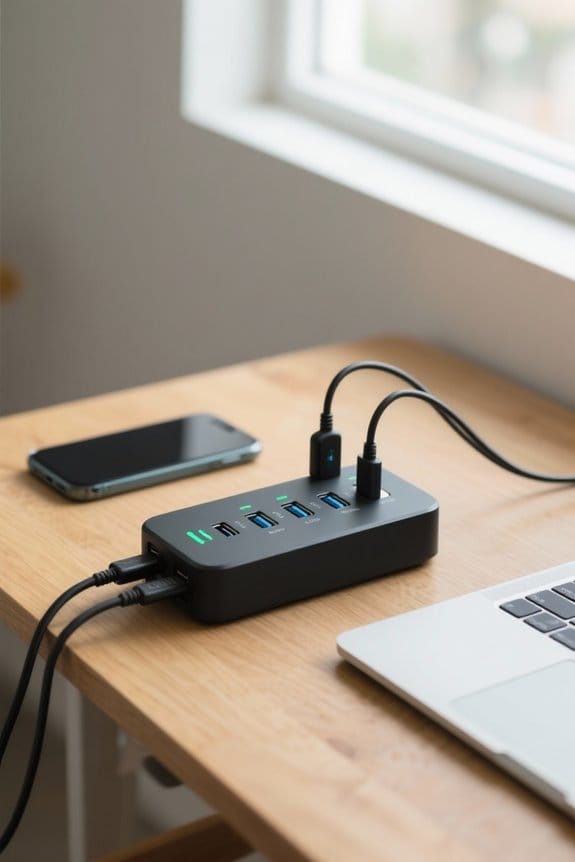
Multi-port chargers serve as an essential tool for modern connectivity, enabling users to power multiple devices simultaneously from a single electrical outlet. These chargers typically feature a combination of USB-A and USB-C ports, effectively converting AC power from wall outlets into DC power tailored for devices. Embedded smart technology, including Integrated Circuits (ICs), enhances efficiency by optimizing the charging process through dynamic power allocation based on the specific wattage needs of connected devices. Many contemporary multi-port chargers support USB Power Delivery (USB-PD), which facilitates faster charging capabilities while adapting to the requirements of various devices, such as smartphones and laptops. Safety certifications like UL, FCC, and CE provide essential protection against potential damage during the charging process, ensuring reliability and performance. Leading models like the UGREEN charging station utilize next-gen GaN technology to deliver improved efficiency while maintaining a compact form factor.
How Power Distribution Works in Multi-Port Chargers
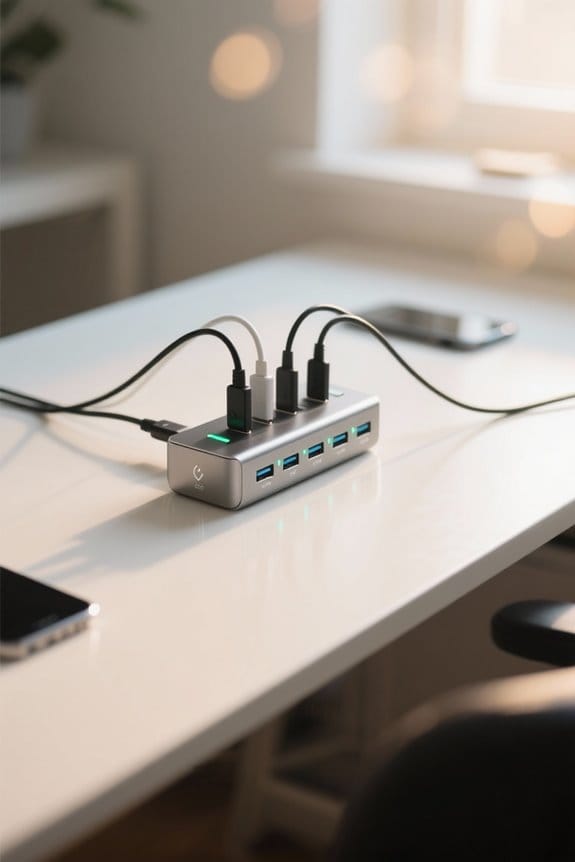
Efficiency in charging devices hinges on effective power distribution, a critical function in multi-port chargers designed to handle various electronic gadgets simultaneously. Multi-port USB chargers allocate power based on their total wattage rating, dynamically distributing energy to guarantee connected devices receive adequate power according to their individual power needs. The integration of smart charging technology, often utilizing Integrated Circuits (ICs), enables the charger to prioritize power to higher-demand devices. Power Delivery (PD) enhances this by allowing adjustable voltage and current levels, fine-tuning charging speeds. Moreover, with Programmable Power Supply (PPS) capabilities, the charger can make real-time energy adjustments, minimizing waste and maximizing efficiency. Such understanding of power distribution mechanics is essential for achieving peak charging performance. Similar to how dual USB hub technology in cooling pads enables efficient power distribution across multiple connected devices, modern chargers must balance power delivery across ports to maintain optimal charging speeds.
Setting Up Your Multi-Port Charger
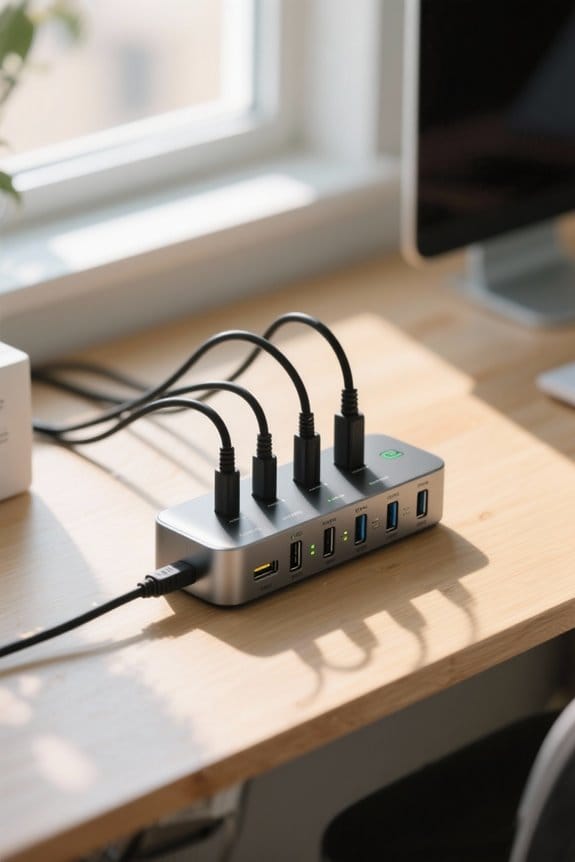
Setting up a multi-port charger involves careful arrangement and selection to guarantee peak charging performance for various devices. Users should connect high-demand devices, such as laptops or tablets, to ports designed for faster charging to effectively utilize Power Delivery (PD) technology. It is crucial to review the charger’s total wattage output, ensuring it meets or exceeds the combined power requirements of all connected devices. This avoids any risk of inefficient power distribution. Additionally, selecting a multi-port charger with USB-PD capability maximizes charging efficiency by automatically adjusting power based on the needs of each connected device. For best performance, high-quality, compatible charging cables that support required power levels are vital, as they prevent inefficiencies in the charging setup. Consider hubs with individual port switches for greater control over power distribution to specific devices while charging.
Configuring Power Delivery Priority
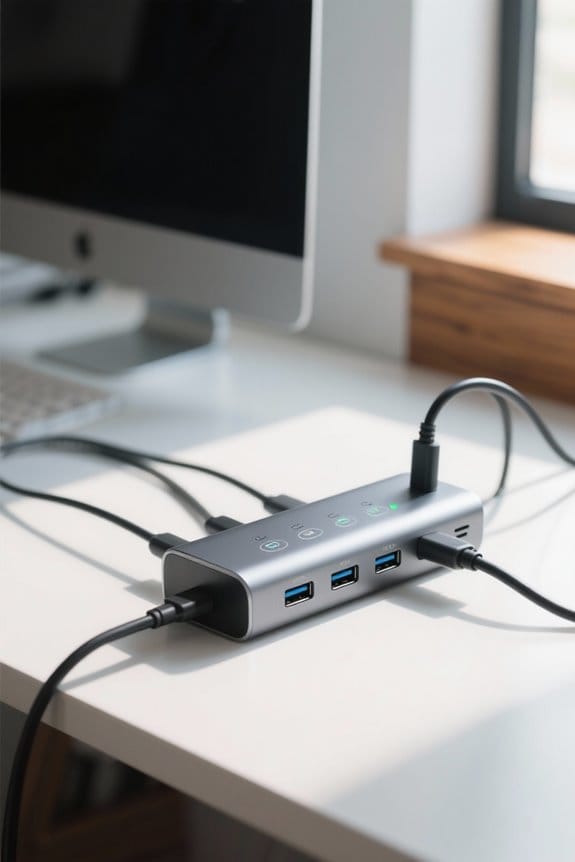
Configuring power delivery priority guarantees that devices with higher energy needs receive adequate power during charging sessions, optimizing overall charging performance. Multi-port chargers equipped with smart technology can dynamically adjust power allocation based on connected devices’ requirements, ensuring that higher wattage devices, which may need up to 100 watts, receive priority. Users can typically configure these settings through compatible software or device menus, selecting which device should benefit from enhanced charging efficiency. Additionally, understanding the total wattage rating of a multi-port charger is essential, as exceeding this limit may result in undercharging or notably slower charging speeds. Prioritizing power delivery consequently enhances not only individual device performance but also overall user experience during simultaneous charging sessions. The Power Delivery protocol enables automatic output adjustments across different devices, making configuration more seamless and efficient.
Benefits of Prioritizing Power Distribution
Prioritizing power distribution in multi-port chargers offers significant advantages, particularly in environments where various devices with differing energy demands are used simultaneously. By ensuring that high-demand devices, like laptops, receive power first, users can prevent slow charge times and performance degradation. Efficient power distribution allows for reduced overall charging times, dynamically adjusting power flow according to each device’s needs, thereby minimizing user waiting time. Multi-port chargers equipped with Power Delivery (PD) technology optimize charging efficiency by allocating power swiftly and accurately while adhering to strict safety protocols. This method enhances device longevity by avoiding overcharging and potential damage due to improper power allocation, ultimately improving the overall user experience and protecting their investments. Similar to how USB barcode scanners achieve scanning speeds up to 300 scans per second through efficient power management, properly configured multi-port chargers maximize power delivery to each connected device.
Common Charging Scenarios and Needs
In numerous common charging scenarios, users often connect multiple devices to a single multi-port charger, making it essential to understand their distinct power requirements. Multi-port chargers are designed to intelligently allocate power delivery based on each device’s needs, ensuring ideal charging. For example, a charger providing 60 watts of total output might distribute 20 watts to a smartphone, 30 watts to a tablet, with the remaining 10 watts going to a smartwatch. This dynamic power management allows for real-time adjustments, accommodating varying demands. Users must also consider that laptops typically require 45 watts or more for adequate performance, while smaller devices, like wireless earbuds, need considerably less, influencing the efficiency and selection of multi-port chargers. Modern GaN III technology enables charging stations to deliver up to 320W of power while maintaining a compact, travel-friendly design.
Identifying High-Priority Devices
When evaluating which devices to prioritize for charging, it is vital to recognize that high-priority devices, including laptops and tablets, typically demand significant power, often ranging from 30 to 100 watts. These devices, capable of utilizing USB Power Delivery (USB-PD) technology, dynamically communicate their power needs, enabling optimal distribution from multi-port chargers. To facilitate efficient charging, it is important to review the specifications of connected devices, identifying their charging power requirements. This assessment allows for effective prioritization, making certain high-priority devices receive adequate wattage for fast charging. Additionally, appropriate configuration prevents lesser-demand devices, such as smartphones, from consuming excessive power. This approach assures that more demanding devices remain charged quickly and efficiently while maintaining performance across all connected devices. Modern fast charging capabilities can achieve a complete charge within 2-3 hours when using appropriate power adapters and optimal device positioning.
Maximum Wattage and Compatibility Considerations
Evaluating the maximum wattage of a multi-port charger is fundamental, as it governs the overall power that can be allocated among various devices connected simultaneously. Compatibility considerations are critical; each device’s wattage requirement must align with the charger’s total output. Many multi-port chargers utilize a mix of USB-A and USB-C ports, each offering distinct power outputs, typically ranging from 5W to 100W. With Power Delivery (PD) technology, dynamic power allocation is possible, allowing for efficient charging speeds when devices support PD. Mismatched requirements may result in inadequate charging speeds or failure to charge entirely, hence selecting compatible devices is essential. Verifying port specifications enables users to optimize the performance of their multi-port charger effectively. Advanced chargers featuring ActiveShield Technology provide continuous temperature monitoring to prevent overheating during simultaneous device charging.
Using Software Tools for Configuration
Utilizing software tools for configuration grants users the ability to fine-tune Power Delivery (PD) settings on multi-port chargers, thereby enhancing power allocation based on device priority and need. Many advanced chargers come with proprietary software, enabling users to adjust power distribution preferences to improve charging efficiency and guarantee device compatibility. Real-time monitoring capabilities permit users to assess the power consumption of connected devices, facilitating informed adjustments to PD settings. Additionally, some chargers allow firmware updates via software, potentially offering enhanced PD management features and improved algorithms. Utilizing these software tools is essential, as they help prevent overloading, dynamically adjust power distribution, and maintain ideal charging speeds tailored to each device’s specific requirements. The latest models like the Plugable UD-ULTCDL dock deliver up to 100W of power, making them ideal candidates for software-based power management.
Troubleshooting Power Distribution Issues
Troubleshooting power distribution issues with multi-port chargers often begins with verifying the total wattage capacity, which should meet or exceed the cumulative power requirements of all connected devices. When users experience poor charging performance, they must guarantee that high-quality USB cables are utilized, as inferior cables can impede efficient power transfer, leading to safety hazards. It is equally crucial to consult the user manual to understand maximum output specifications, preventing power draw beyond limits that can result in slower charging or device failure. Additionally, dynamic power allocation plays an important role; confirming device compatibility with Power Delivery standards may greatly enhance charging efficiency. Regularly disconnecting chargers when not in use can also prevent potential power allocation issues.
Safety Features in Multi-Port Chargers
What specific safety features are integrated into multi-port chargers to guarantee device protection during operation? Multi-port chargers often incorporate essential safety features such as over-current protection and short-circuit protection, which prevent significant harm to connected devices. With intelligent power management systems, these chargers monitor and adjust the power output according to device requirements, ensuring ideal safety and performance. Additionally, many premium models utilize advanced GaN technology, enhancing efficiency while minimizing heat generation—critical for user safety. Compliance with recognized safety certifications like UL, FCC, and CE further demonstrates dedication to user protection against potential fire hazards. These integrated technologies collectively improve reliability, making multi-port chargers not only versatile but also secure for everyday use.
Maintaining Your Charger for Optimal Performance
Regular maintenance of multi-port chargers is essential for sustaining peak performance and ensuring longevity. Users should routinely inspect their charger for signs of wear, like frayed cables or damaged ports, which can greatly affect power delivery and charging efficiency. Keeping the charging ports clean and dust-free with a soft, dry cloth helps maintain effective connections, preventing inefficient power distribution. It is vital to apply any available firmware updates, as manufacturers often enhance performance and optimize power delivery algorithms through these upgrades. Additionally, utilizing high-quality, compatible charging cables that meet required power delivery standards prevents overheating and voltage drops. Unplugging the charger when not in use minimizes phantom power draw, reducing unnecessary energy loss and prolonging the charger’s lifespan.
Future Trends in Multi-Port Charging Technology
As the demand for efficient charging solutions continues to rise, future trends in multi-port charging technology are poised to markedly evolve, incorporating advanced AI algorithms that enhance power delivery and energy efficiency across an expanding range of devices. The integration of Gallium Nitride (GaN) technology will facilitate smaller and lighter USB-C chargers, ensuring improved thermal management and faster charging capabilities. Enhanced USB Power Delivery (PD) standards are anticipated, enabling devices like laptops to charge seamlessly alongside smartphones and tablets. In addition, multi-device charging will benefit from robust safety features, including overcurrent and temperature protection, ensuring safe charging experiences. This evolution will also reflect a growing consumer preference for sustainability, using eco-friendly materials in charger manufacturing processes, thereby supporting environmental responsibility.
Frequently Asked Questions
Do Dual Port Chargers Charge Slower?
Dual port chargers often exhibit slower charging speed due to power distribution limitations. Charger design typically divides wattage between ports, affecting port efficiency and device compatibility, ultimately leading to reduced performance when multiple devices are connected.
What Does Power Delivery Mean on a Charger?
What if charging devices could adapt seamlessly? Power delivery on chargers enhances compatibility, delivering efficient voltage regulation and ideal current capability, addressing various charger types while minimizing compatibility issues, ultimately maximizing user convenience and device performance.
What Is PD on an Anker Charger?
PD on an Anker charger provides significant benefits, such as enhanced charging speeds, optimized power distribution for multiple devices, and leverages USB-C technology. This allows for efficient charging speed comparisons across various devices using multi-port functionality.
What Is the PD Protocol in Anker?
The PD protocol in Anker devices adheres to Power Delivery specifications, offering PD charging benefits like efficient energy distribution, multi-port performance for simultaneous charging, and fast charging compatibility, thereby optimizing device functionality and user experience.


