


USB-C capture cards are essential for content creators, allowing seamless video capture at up to 4K resolution and 60 frames per second. These devices utilize the USB 3.0 standard, supporting data transfer rates of 5 Gbps, which minimizes latency during streaming or recording. Compatible with software like OBS Studio and Zoom, they provide features such as real-time monitoring and dual functionality for charging and recording simultaneously. Advanced models even support resolutions beyond 1080p, enhancing versatility; there is much more to explore.
Key Takeaways
- USB-C capture cards enable high-quality video recording and streaming, supporting resolutions up to 4K at 60 fps for content creation.
- They provide plug-and-play functionality, ensuring easy integration with popular streaming software like OBS Studio and Zoom.
- Dual functionality allows for simultaneous device play and charging, preventing disruptions during live recordings.
- Compact and portable designs make USB-C capture cards suitable for on-the-go content creation without sacrificing quality.
- Using USB 3.0 or higher ensures fast data transfer rates and low latency, optimizing performance for real-time streaming and recording.
What Is a USB-C Capture Card?
A USB-C capture card serves as an essential tool for content creators, empowering them to seamlessly capture and transmit video signals from HDMI sources directly to a computer. This device generally supports resolutions of up to 1080p at 60 frames per second, ensuring superior video quality for both gaming and professional applications. By converting HDMI signals to USB, it enables users to easily integrate video input into various streaming software, such as OBS Studio, through a simple plug-and-play setup. Utilizing USB 3.0 technology, a USB-C capture card facilitates data transfer rates up to 5 Gbps, achieving low latency essential for real-time streaming and monitoring. Additionally, many models offer hardware-accelerated upscaling and downscaling, enhancing flexibility in different resolutions preferred by content creators. Modern capture cards with Power Delivery features can simultaneously charge connected devices while maintaining optimal streaming performance.
How USB-C Capture Cards Enhance Content Creation
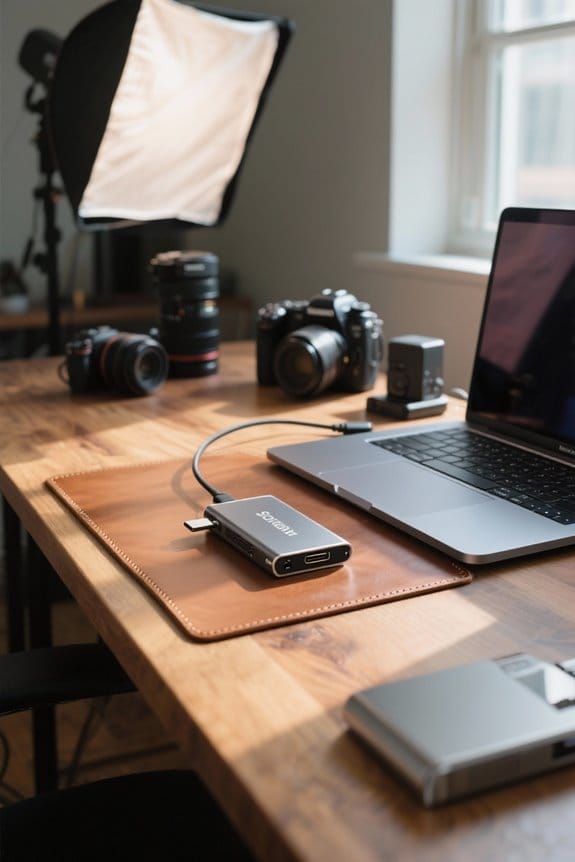
Effective content creation benefits greatly from the use of USB-C capture cards, which introduce a variety of enhancements that promote high-quality video production. These devices support outputs up to 4K resolution at 60 frames per second, making them invaluable for creators focusing on high-quality content creation. With USB 3.0 and above capabilities, USB-C capture cards enable rapid data transfer, allowing for real-time streaming with minimal latency. Their plug-and-play functionality guarantees seamless integration with popular streaming software, facilitating ease of use. Additionally, the dual functionality allows creators to simultaneously play and charge devices, promoting uninterrupted streaming sessions. The compact design enhances portability, guaranteeing that creators can easily connect to laptops and DSLRs while on the go, further abbreviating setup times. Users should verify their devices support DisplayPort Alternate Mode to ensure optimal performance and compatibility with capture card features.
Key Features of USB-C Capture Cards
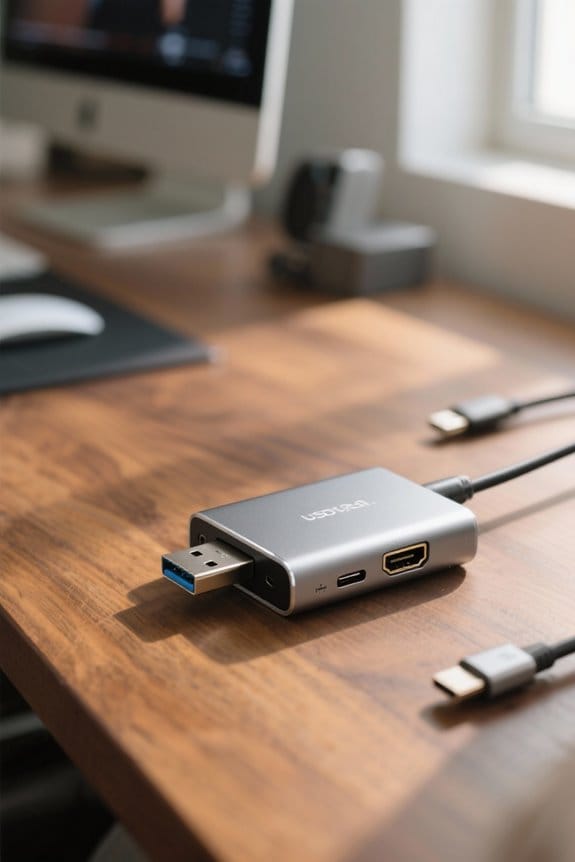
Key features of USB-C capture cards greatly enhance their utility for content creators seeking to optimize performance and efficiency. The USB-C interface supports data transfer rates up to 5 Gbps, utilizing USB 3.0 technology, which is crucial for real-time video applications. These capture cards excel in delivering high-definition video at resolutions up to 1080p at 60fps, ensuring smooth and vibrant output. Additionally, they offer ultra-low latency capabilities, which are essential for real-time monitoring during live broadcasts. Designed with plug-and-play functionality, they simplify the setup process, making integration with popular streaming software like OBS seamless. Some models also include features such as 100W power delivery for fast charging, adding convenience for mobile gaming devices. Many modern capture cards incorporate ActiveShield technology to provide enhanced safety features during extended streaming sessions.
Comparison of USB Capture Card Standards
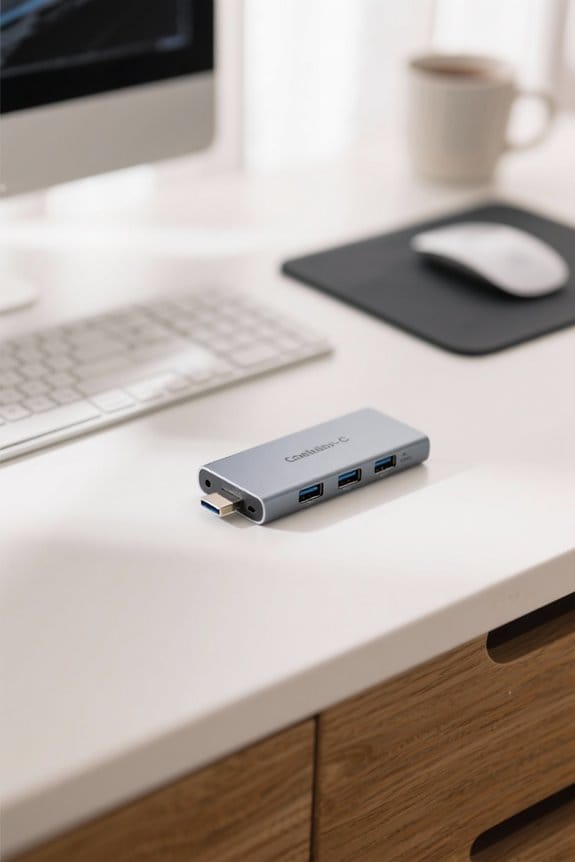
USB capture card standards play a pivotal role in determining performance and compatibility when creating content. USB 2.0 capture cards, with a maximum data transfer rate of 480 Mbps, limit users to HD recording at 720p or lower, often resulting in compression issues and dropped frames. In contrast, USB 3.0 capture cards support data transfer rates up to 5 Gbps, enabling uncompressed 1080p@60fps recording, ideal for modern live streaming. Further advancements come with USB 3.1, offering 5 Gbps for Gen 1 and 10 Gbps for Gen 2, facilitating 4K@60fps recording. USB 3.2 showcases even higher capabilities at 20 Gbps, paving the way for 8K recording, while USB4 can reach 40 Gbps, although not widely adopted yet. Modern 48Gbps bandwidth capabilities in the latest USB-C to HDMI 2.1 cables ensure minimal latency for high-resolution streaming and content capture.
Advantages of USB-C Over USB 3.0 and USB 2.0
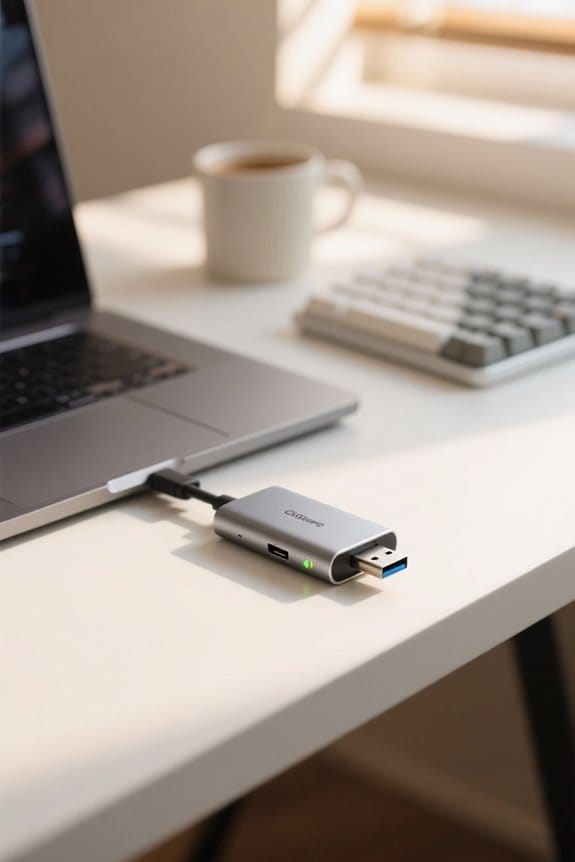
Although various capture card standards serve different purposes in content creation, the advantages of USB-C over USB 2.0 and USB 3.0 are particularly pronounced regarding performance and versatility. USB-C facilitates data transfer rates of up to 20 Gbps with USB 3.2 and even 40 Gbps with USB4, which is a dramatic enhancement compared to USB 2.0’s maximum of 480 Mbps. This guarantees higher quality video and efficient processing capabilities. In addition, USB-C supports power delivery alongside data, enabling devices to charge during prolonged use, which is critical for extended sessions. Its wider compatibility with newer laptops and cameras promotes seamless integration. Moreover, USB-C’s plug-and-play functionality simplifies setup, making it an essential choice for modern content creators. Modern USB-C adapters featuring aluminum alloy construction provide enhanced durability and longevity for content creators who frequently connect and disconnect their equipment.
Choosing the Right USB-C Capture Card for Your Needs
How can content creators guarantee they select the most suitable USB-C capture card for their specific requirements? To begin with, they should prioritize cards that support full 4K capture at a minimum of 30 frames per second, as many standard captures only handle 1080p, limiting performance quality. It’s crucial to choose a USB capture card equipped with USB 3.0 or higher, which facilitates fast data transfer rates, ensuring low latency for smooth streaming. Additionally, verify compatibility with preferred streaming software, such as OBS, Zoom, and Microsoft Teams. Features like power delivery for simultaneous device charging are also beneficial, particularly for consoles like the Nintendo Switch. Evaluating build quality is essential; durable aluminum housing and silicone cables enhance longevity and performance in various setups. Plug-and-play functionality is increasingly important for content creators who need hassle-free setup without additional driver installations.
USB-C Capture Cards and Game Streaming
For gamers looking to enhance their streaming capabilities, securing a high-quality capture card that utilizes USB-C technology is essential for achieving peak performance. USB-C capture cards typically support high-definition resolutions such as 1080p at 60fps, ensuring crisp visuals during game streaming. Many of these devices employ USB 3.0 technology, enabling a data transfer rate of up to 5 Gbps, which is crucial for real-time streaming without latency concerns. Compatibility with OBS Studio allows for a seamless user experience while broadcasting gameplay. Additionally, ultra-low latency performance is critical for interactive engagements, allowing immediate feedback. Some USB-C capture cards even facilitate simultaneous play and charging, maintaining power to devices while capturing high-quality video output, and thereby enhancing overall productivity. The aluminum alloy design of modern capture cards provides superior heat dissipation and durability for extended streaming sessions.
Connecting Your DSLR or Camera With USB-C Capture Cards
Connecting a DSLR or professional camera to a computer using USB-C capture cards can elevate the quality of video streaming and recording, enabling content creators to achieve resolutions of up to 1080p at 60 frames per second, or even 4K with compatible devices. These USB-C capture cards are often plug-and-play, facilitating quick integration with popular streaming software like OBS Studio or Zoom, thereby eliminating complex setups. Utilizing ultra-low latency technology, they guarantee real-time video transmission, making them ideal for live streams or video conferences. Additionally, these capture cards can support multiple devices, allowing for seamless camera switching during broadcasts. It’s vital, however, to verify compatibility with the camera’s HDMI output to maximize performance and avoid resolution limitations. For extended outdoor shooting sessions, content creators should consider pairing their setup with rugged power banks that offer capacities between 10,000mAh to 25,000mAh to maintain consistent power supply.
Setting Up Your USB-C Capture Card
Setting up a USB-C capture card is a straightforward process that can greatly enhance video quality for streaming or recording. First, connect the source device, such as a camera or gaming console, to the capture card using a suitable HDMI cable. Then, plug the capture card into the computer’s USB-C or USB-A port, confirming the use of a USB 3.0 or higher standard for top-notch performance. Install the necessary drivers or software provided by the manufacturer to guarantee compatibility with popular streaming software like OBS Studio or VLC. After connecting, verify the capture card’s detection within the streaming software preferences, configuring video settings to reach a resolution of up to 1080p at 60fps, before performing a test session to evaluate quality and latency. For optimal data transfer speeds, ensure your setup leverages USB 3.2 technology which can facilitate speeds up to 10Gbps.
Recommended USB-C Capture Card Products
Numerous high-quality USB-C capture cards are available on the market, each offering distinct features suited for content creators. The Elgato CamLink, for example, supports resolutions up to 1080p at 60fps, making it perfect for high-quality streaming and content creation. Another notable choice is the BlackMagic Design Decklink Quad HDMI Recorder, which accommodates multiple HDMI inputs and supports 4K video formats, appealing to professional users. Many USB-C capture cards also leverage USB 3.0 technology, achieving data transfer rates of up to 5 Gbps, ensuring smooth performance during recordings. Furthermore, these devices often feature plug-and-play functionality, readily integrating with popular streaming software such as OBS Studio, further enhancing their usability for creators seeking efficient video capture solutions. Users should note that USB-C connectivity may present challenges when paired with newer MacBook models featuring M1, M2, or M3 chips.
Troubleshooting Common USB-C Capture Card Issues
How can content creators effectively troubleshoot common issues with USB-C capture cards? First, make certain the USB-C capture card is correctly connected to both the video source and the computer, as poor connections may result in a lost video signal. Next, verify the compatibility of the capture card with the operating system and streaming software; this often requires checking for driver updates to resolve potential compatibility issues. Additionally, some capture cards have specific power requirements, such as needing an external power supply for devices like the Nintendo Switch, which can impact functionality. Finally, for peak performance, avoid prolonged use of lower-quality models that can introduce noticeable lag, affecting the real-time streaming experience and monitoring quality.
Integrating USB-C Capture Cards With Streaming Software
Integrating USB-C capture cards with streaming software presents a streamlined solution for content creators looking to enhance their live broadcasts and recorded sessions. These devices support high-resolution video recording, delivering formats up to 1080p at 60fps, ensuring excellent video quality. USB-C capture cards offer plug-and-play functionality, allowing effortless compatibility with popular streaming software such as OBS Studio, Potplayer, and VLC. Additionally, many models feature ultra-low latency, which benefits real-time monitoring during content creation. With support for hardware-accelerated upscaling and downscaling, these cards adapt easily to varying streaming requirements, while USB 3.0 compatibility guarantees rapid data transfer rates of up to 5Gbps, promoting smooth video playback without interruptions, ultimately enhancing the viewer’s experience.
The Future of Content Creation With USB-C Capture Cards
As content creation continues to evolve, USB-C capture cards are increasingly emerging as essential tools for modern creators, enabling them to produce high-quality video at resolutions of up to 4K at 60 frames per second. These capture cards utilize USB 3.0 and newer USB-C standards, supporting ultra-fast data transfer rates that minimize latency during streaming, thereby enhancing real-time monitoring experiences. With broader device compatibility—including laptops, gaming consoles, and cameras—USB-C capture cards streamline connections. Their plug-and-play functionality with leading streaming software, such as OBS Studio and Streamlabs, further simplifies setup for creators. Given the rising demand for portable, high-quality content solutions, USB-C capture cards are poised to become pivotal assets in the content creation landscape.
User Experiences and Feedback on USB-C Capture Cards
User experiences with USB-C capture cards reveal a landscape of both satisfaction and areas for improvement, reflecting the evolving needs of content creators. Many users appreciate the plug-and-play functionality, enabling easy integration with popular streaming software like OBS and VLC. The capability to capture resolutions up to 1080p at 60fps is frequently commended, as it enhances the overall content creation experience. Additionally, feedback highlights ultra-low latency, essential for real-time monitoring in live streams or video conferences. Despite the positive aspects, some content creators express disappointment regarding the availability of high-quality 4K capture options, noting that not all USB-C capture cards meet their expectations, especially when compared to dedicated HDMI alternatives. Build quality, including durable aluminum shells, also receives mentions of approval.
Frequently Asked Questions
Do I Need a Capture Card for Content Creation?
In the domain of video streaming, a capture card can prove invaluable for enhancing quality and performance. Its benefits loom large for console gaming, especially in beginner setups, making it essential for serious content creators.
How to Use a USB-C Capture Card?
To use a USB-C capture card, verify device compatibility, connect via HDMI, and plug into a USB port. Take advantage of USB C advantages by setting up streaming applications for video game streaming and peak performance.
Is It Better to Use OBS or a Capture Card?
Like a conductor orchestrating a symphony, choosing between OBS software and a capture card greatly influences streaming performance. The capture card benefits enhance content creation setups, particularly for video game streaming, ensuring higher quality and smoother experience.
Can a Capture Card Improve Video Quality?
A capture card can considerably improve video quality by enhancing video resolution, optimizing frame rate, and providing better color accuracy. This results in superior streaming quality with broad source compatibility, elevating the overall viewing experience.


