
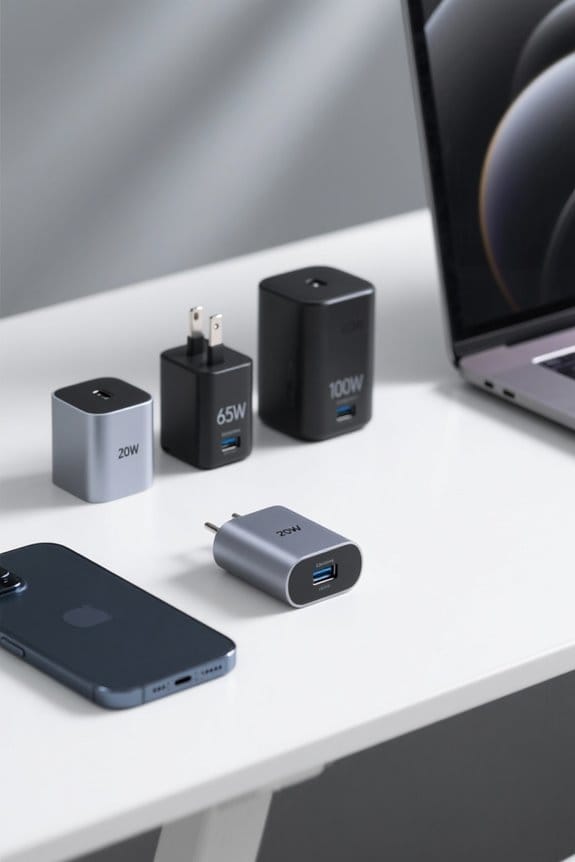

To match USB-C charger wattage to device needs, users should first identify the power requirements of their devices. For smartphones, chargers typically range from 5W to 20W, while laptops often require 60W to 100W for peak performance. Fast charging benefits from a minimum of 18W. It’s essential to use compatible cables and adhere to USB Power Delivery standards for efficient charging. Careful consideration of these factors guarantees devices charge safely and effectively, with further insights available on specifications and compatibility.
Key Takeaways
- Identify your device’s maximum wattage requirements, with smartphones needing 5W to 20W and laptops 60W to 100W.
- Ensure your charger has a minimum output of 20W for effective fast charging of smartphones.
- Use USB Power Delivery technology for smart adjustments in power output based on device needs.
- Pair high-wattage chargers (65W or 100W) with compatible USB-C cables for maximum charging efficiency.
- Avoid underpowering by matching or exceeding device specifications to prevent slow charging and battery longevity issues.
Understanding USB-C Charger Wattage
When considering the appropriate charger for a USB-C device, it is essential to understand the implications of wattage, as it directly influences charging efficiency and performance. Wattage, measured in Watts (W), dictates charging speeds; higher wattage typically enables faster charging. Most smartphones support fast charging within the 18W to 65W range, while laptops often require 60W to 100W for ideal charging. Matching the charger’s wattage to the device’s requirements is vital, as using an insufficient charger may slow down charging considerably. USB Power Delivery (USB-PD) technology enhances the process by allowing communication between the charger and device, adjusting power output for safe and efficient charging. Always verify compatibility and recommended wattage to maximize performance without risking damage through overcurrent. Modern chargers featuring GaN technology offer improved efficiency while maintaining a more compact size compared to traditional charging solutions.
Importance of Fast Charging Compatibility
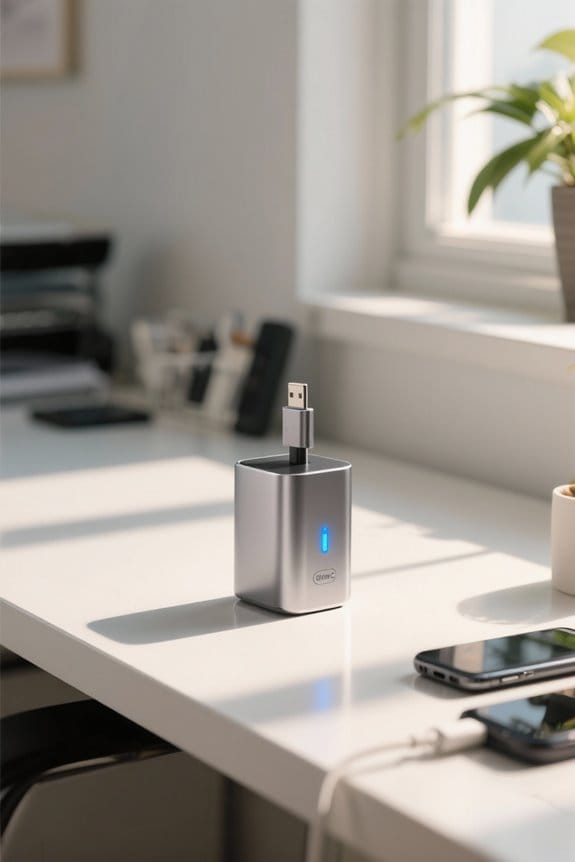
Fast charging compatibility plays a significant role in enhancing the user experience by ensuring that devices receive quicker power replenishment, which is particularly important in today’s fast-paced environment. For ideal performance, chargers should have a minimum output of 20W; however, using higher wattage options, like 65W or even 100W, can help maximize charging efficiency by meeting power requirements without causing damage. It is vital to check device specifications, as not all models support fast charging capabilities. Additionally, utilizing a compatible cable is essential, as a lower-rated cable can restrict charging power and slow down faster charging speeds. Devices often indicate fast charging capability with a lightning bolt icon, signifying enhanced convenience and reduced downtime during charging. Modern USB-C display docks support simultaneous power delivery and data transfer rates of up to 10Gbps while charging connected devices.
Effects of Over Powering and Under Powering
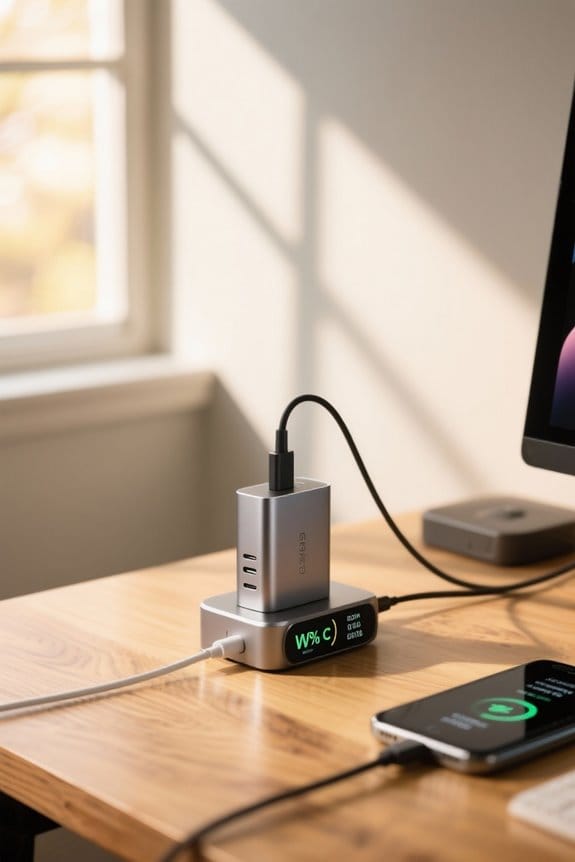
Overpowering and underpowering devices frequently lead to significant implications for performance and battery health. When using a higher wattage charger, like a 100W charger with a 20W device, built-in safety mechanisms guarantee that the device will only draw the necessary power, effectively preventing damage. However, underpowering a device by deploying a lower wattage charger can result in slow charging speeds, hindering the device’s performance during demanding tasks. In addition, consistently underpowering can negatively affect battery longevity as the device struggles to charge adequately. For peak charging, it is advisable to match or exceed the minimum power requirements, particularly with power-intensive devices like laptops or tablets utilizing USB-C connections, thereby ensuring efficient and safe charging experiences. Modern GaN 3 technology enables chargers to deliver high wattage while maintaining a compact, travel-friendly design.
Choosing the Right Wattage for Your Devices
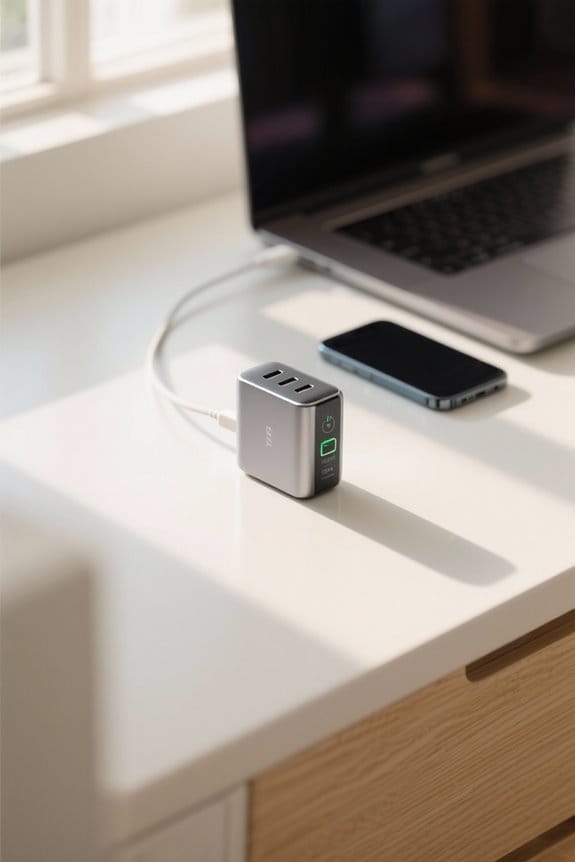
Selecting the appropriate wattage for chargers is vital in maximizing device performance and guaranteeing ideal charging efficiency. Wattage determines the charging needs of devices; consequently, one should first identify the maximum wattage of the most power-hungry device as a benchmark. For smartphones, chargers ranging from 5W to 20W are typically sufficient, while laptops require 60W to 100W to maintain performance under use. Fast charge capabilities often demand higher wattage, typically between 18W and 65W. To choose the right charger, it is important to match or exceed the device’s minimum requirements, utilizing USB Power Delivery standards to facilitate smart charging practices. This approach optimizes charging speed and safeguards the device’s battery life against potential damage. Modern PD 4.0 technology enables charging speeds up to 22.5W while maintaining comprehensive safety features to protect your devices.
Tips for Safe and Efficient Charging
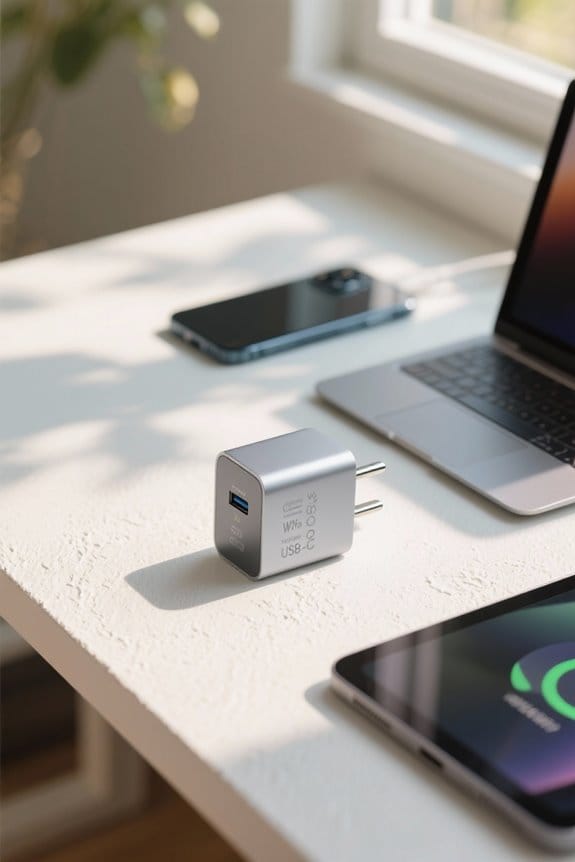
Effective charging practices are critical for maximizing device longevity and performance. When selecting a USB-C charger, verify its wattage meets or exceeds the device’s specifications, typically above 18W for smartphones, to achieve superior charging performance. Utilizing a high-wattage charger, even with devices requiring lower wattage, is safe since they will only draw the necessary power, preventing overheating. Additionally, pairing a high-wattage charger with a compatible USB-C cable rated for the same wattage enhances charging efficiency. For better charging speed and safety, chargers featuring USB Power Delivery technology are ideal, as they adjust power output based on device needs. In scenarios involving multi-device charging, opt for chargers with multiple ports and sufficient wattage to maintain performance across all connected devices. Quality chargers with foreign object detection provide essential protection against potential hazards during wireless charging sessions.
Frequently Asked Questions
How to Measure USB-C Wattage?
Measuring wattage involves checking USB-C specifications, evaluating charger compatibility with voltage requirements, and ensuring power delivery aligns with electronic devices’ battery capacity. A wattage meter can gauge adapter efficiency and charging speed effectively for ideal results.
Is a 20W or 30W Charger Faster?
A 30W charger can provide up to 50% faster charging for compatible devices compared to a 20W charger, enhancing charger efficiency and battery health while supporting various tech specifications and energy consumption requirements through optimized power delivery and charging cables.
How Do I Know What Wattage Charger I Need?
To determine the needed wattage charger, consult device specifications for charging compatibility and wattage requirements. Consider power delivery standards, charger types, cable quality, and safety considerations to guarantee ideal charging speed and battery health.
Can All USB-C Cables Do 65W?
Not all USB-C cables can provide 65W due to USB C limitations. Cable compatibility varies with quality, voltage variations, and brand differences, affecting power delivery, fast charging, and charging efficiency based on device requirements and user experiences.


